Creating a home office that is both cozy and functional can greatly enhance your work-from-home experience. A well-designed workspace not only boosts productivity but also helps you feel comfortable and motivated throughout the day. Whether you have a dedicated room or just a small corner, these tips will guide you in making your home office a pleasant and effective space.
Choose the Right Location
Selecting the ideal spot for your home office is the first important step. Consider areas with good natural light, minimal distractions, and enough space for your work essentials.
– Natural Light: Position your desk near a window to benefit from daylight. Natural light can improve mood and reduce eye strain.
– Quiet Area: Pick a part of your home away from noisy zones like the kitchen or living room.
– Space Availability: Make sure there’s enough room for your desk, chair, and storage without feeling cramped.
Invest in Comfortable and Supportive Furniture
Comfort is key when spending long hours working. Choose ergonomic furniture that supports good posture and keeps you comfortable.
– Ergonomic Chair: Look for adjustable chairs with lumbar support and cushioned seating.
– Appropriate Desk: Choose a desk that fits your needs – consider height, surface area, and storage options.
– Standing Desk Option: If possible, add a standing desk or adjustable desk converter to alternate between sitting and standing.
Create a Functional Layout
Organizing your workspace efficiently promotes productivity and reduces clutter.
– Keep Essentials Within Reach: Place frequently used items like pens, notebooks, or your computer close at hand.
– Define Zones: Separate areas for computer work, paperwork, and storage can help you stay organized.
– Cable Management: Use cable clips or sleeves to keep cords tidy and prevent a messy appearance.
Personalize Your Space for Cozy Vibes
Adding personal touches will make your office inviting and enjoyable.
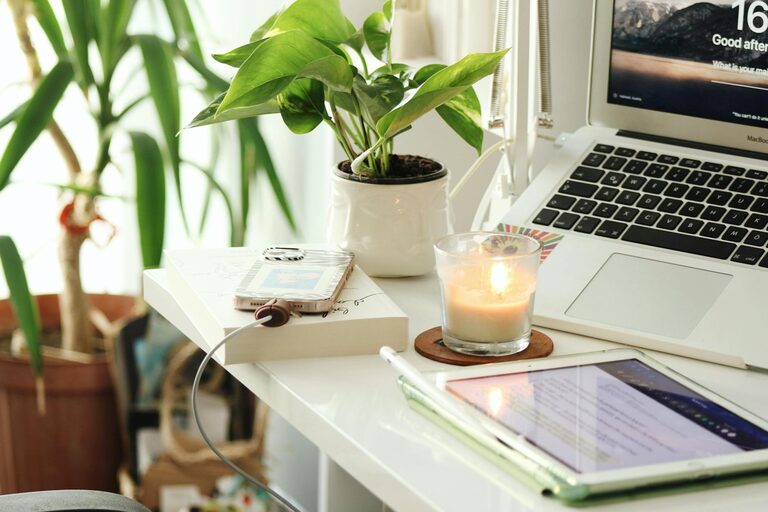
– Warm Lighting: Use soft white lamps or LED strips instead of harsh overhead lights.
– Textiles: Incorporate a cozy rug, cushions, or a throw blanket.
– Plants: Add some greenery to improve air quality and create a calming environment.
– Artwork or Photos: Decorate with inspiring images or personal photos to make the space feel yours.
Address Storage Needs
Proper storage keeps your workspace clean and reduces distractions.
– Shelving: Install wall shelves to hold books, files, and decorative items.
– Drawers and Cabinets: Use storage units to keep supplies hidden and your desk uncluttered.
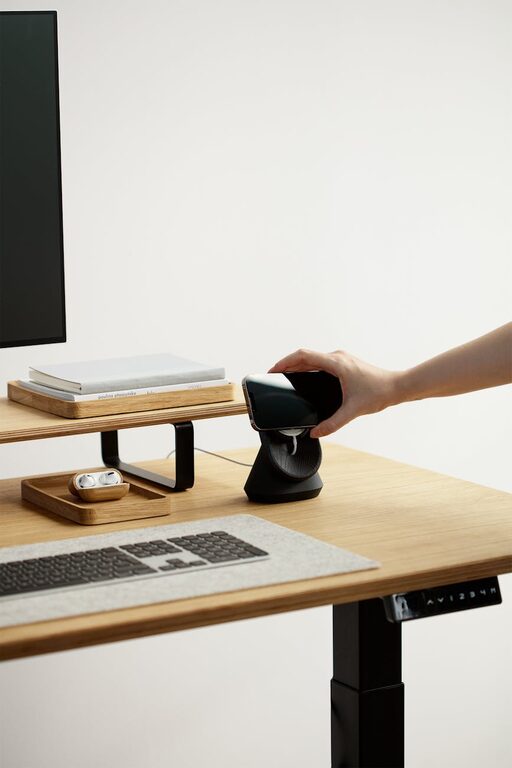
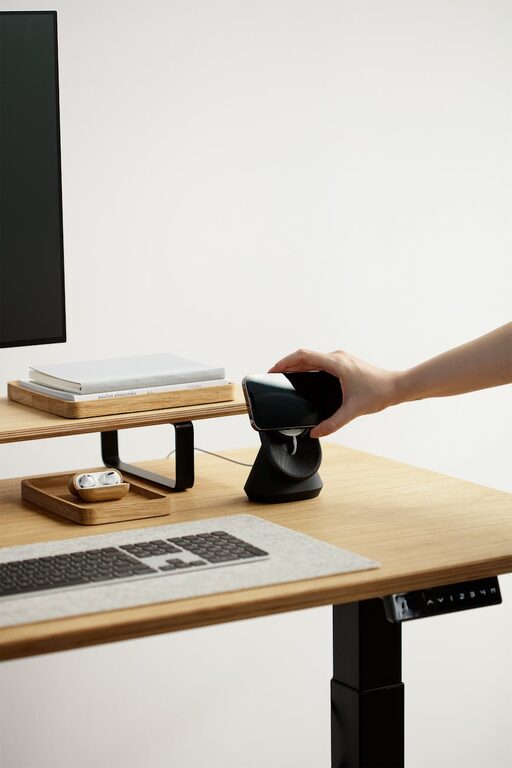
– Desk Organizers: Small trays, pen holders, and file organizers can keep your desktop orderly.
Optimize Technology Setup
Ensure your equipment supports your workflow without causing frustration.
– Reliable Internet Connection: A strong and stable connection is essential for virtual meetings and research.
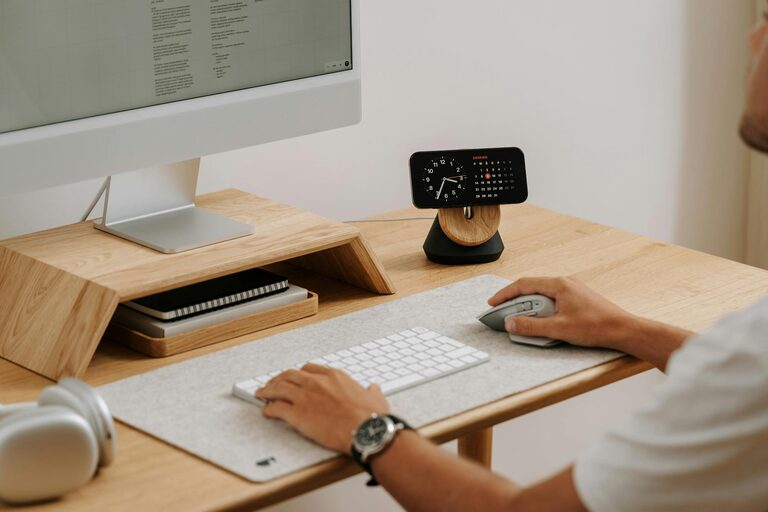
– Monitor Placement: Position your monitor at eye level to avoid neck strain.
– Keyboard and Mouse: Invest in ergonomic models to enhance comfort.
– Adequate Lighting for Screens: Reduce glare with screen protectors or proper desk lamps.
Set Boundaries and Encourage Work-Life Balance
Creating a workspace that separates work from personal life helps maintain balance.
– Dedicated Workspace: Avoid working from your bed or couch.
– Clear End Times: Use alarms or schedules to indicate work hours.
– Break Areas: Have a separate space to relax during breaks.
Keep it Clean and Maintain Regularly
A tidy office promotes focus and motivation.
– Daily Cleanup: Spend a few minutes at the end of each day organizing your desk.
– Weekly Deep Clean: Dust surfaces, vacuum, and wipe down electronics regularly.
– Declutter Routine: Remove unnecessary items monthly to keep the space fresh.
—
Creating a cozy and functional home office is about blending comfort with practicality. With thoughtful planning and personalization, you can design a workspace that not only supports your productivity but also makes working from home a pleasant experience. Start small, keep it simple, and adjust as your needs evolve to maintain an inspiring office space.