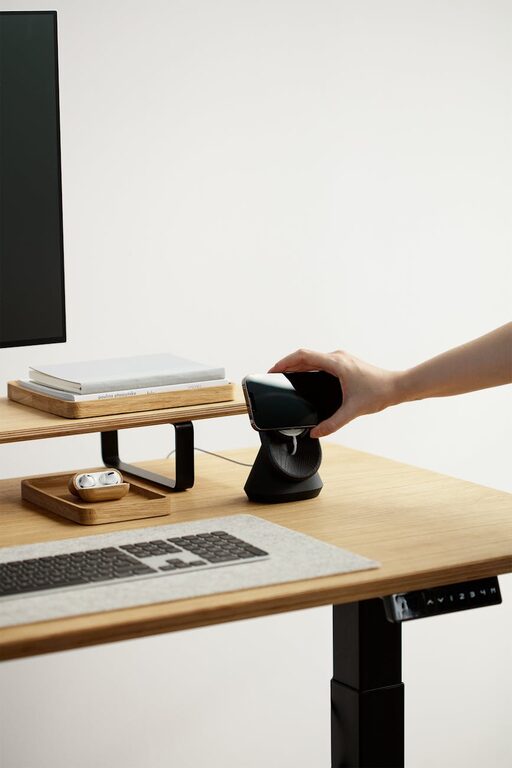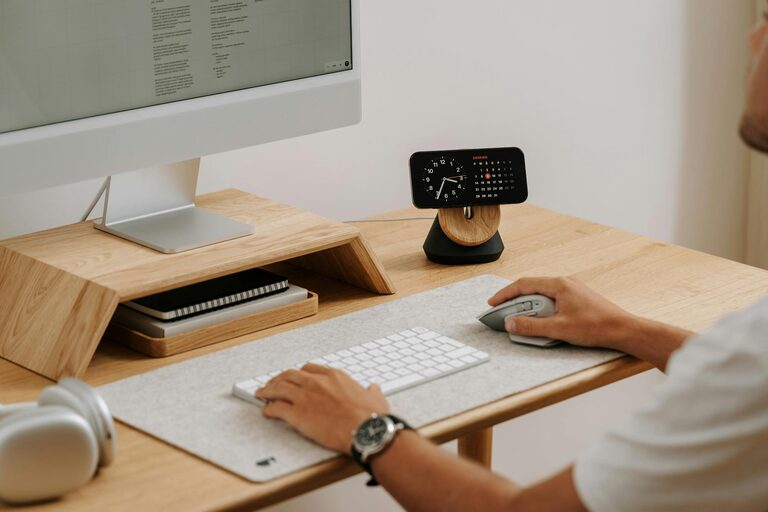
Creating a home workspace that is both cozy and functional can make a significant difference in your comfort, focus, and overall productivity. Whether you work from home full-time, occasionally, or just need a dedicated place to manage personal tasks, designing an inviting and efficient space is key. This post will guide you through practical tips to craft a home workspace tailored to your needs.
Why a Cozy and Functional Workspace Matters
A workspace that feels welcoming encourages you to spend time there, while a functional setup minimizes distractions and helps you stay organized. When you combine these elements, you create a positive environment conducive to getting things done with ease.
Choosing the Right Location
Find a Quiet Spot
Select a spot in your home with minimal noise and interruptions. If possible, choose a room or corner away from heavy foot traffic. Natural light is a bonus, so near a window can brighten your mood and reduce eye strain.
Consider Your Workstyle
Think about whether you need a large desk for multiple monitors or a small space for a laptop and notebooks. Your workspace should reflect how you work best, enabling you to stay comfortable throughout the day.
Investing in Ergonomic Furniture
Select a Comfortable Chair
A supportive chair that encourages good posture is an essential investment. Look for one with adjustable heights and back support to avoid discomfort during long work sessions.
Pick the Right Desk Height
Your desk should allow you to keep your elbows at roughly a 90-degree angle when typing and your feet flat on the floor. Standing desks or adjustable desk converters can offer more flexibility if you prefer to alternate between sitting and standing.
Optimize Lighting
Use Natural and Artificial Light
Maximize natural lighting but supplement it with good-quality task lighting. A desk lamp with adjustable brightness can help reduce eye strain while working in the evenings or on cloudy days.
Avoid Glare
Position your computer screen perpendicular to windows to minimize glare. Anti-glare screen protectors can also improve visibility.
Organize Thoughtfully
Declutter Your Space
Keep only essentials within reach and store other items neatly. A clutter-free environment reduces distractions and stress.
Utilize Storage Solutions
Use shelves, drawers, and containers to organize supplies and papers efficiently. Labeling boxes or files can save time when searching for items.
Add Personal Touches
Incorporate Plants
Adding greenery can bring life to your workspace and improve air quality. Low-maintenance plants like succulents or pothos require minimal care.
Display Inspirational Items
Photos, artwork, or motivational quotes can add warmth and personality without overwhelming the space.
Manage Technology Wisely
Tame Cable Clutter
Use cable organizers or clips to keep cords tidy and prevent tangles. This not only looks better but also reduces the risk of accidents.
Ensure Reliable Connectivity
Make sure your internet connection is strong and stable. Position your router or use Wi-Fi extenders if needed to avoid interruptions.
Maintain Good Air Quality
Ventilate Regularly
Open windows or use a fan to circulate fresh air. A well-ventilated room helps maintain focus and comfort.
Consider an Air Purifier
If outside air quality is poor, an air purifier can improve the environment and contribute to your wellbeing.
Set Boundaries and Routine
Define Work Hours
Establish clear start and end times for your workday to create a healthy work-life balance.
Keep Workspace Separate
Avoid using your workspace for leisure activities to train your mind to focus when you’re there.
Final Thoughts
Building a cozy and functional home workspace is about balancing comfort with practicality. By choosing the right location, investing in ergonomic furniture, optimizing lighting, staying organized, and personalizing your area, you can create a place that supports your productivity and well-being. Take the time to adjust your setup as your needs evolve, and enjoy the benefits of a workspace that feels just right.